# Analyze assistant conversations (/analytics/assistant)
Related: [Export analytics to CSV](/analytics/export.md), [Analyze documentation searches](/analytics/search.md), [Stream analytics events to Amazon S3](/analytics/streaming.md), [Analyze documentation traffic](/analytics/traffic.md), [Analyze user engagements](/analytics/user-engagements.md), [Reverse proxy](/deploy/reverse-proxy.md)
Analytics require a [Pro or Enterprise plan](https://mintlify.com/pricing?ref=analytics).
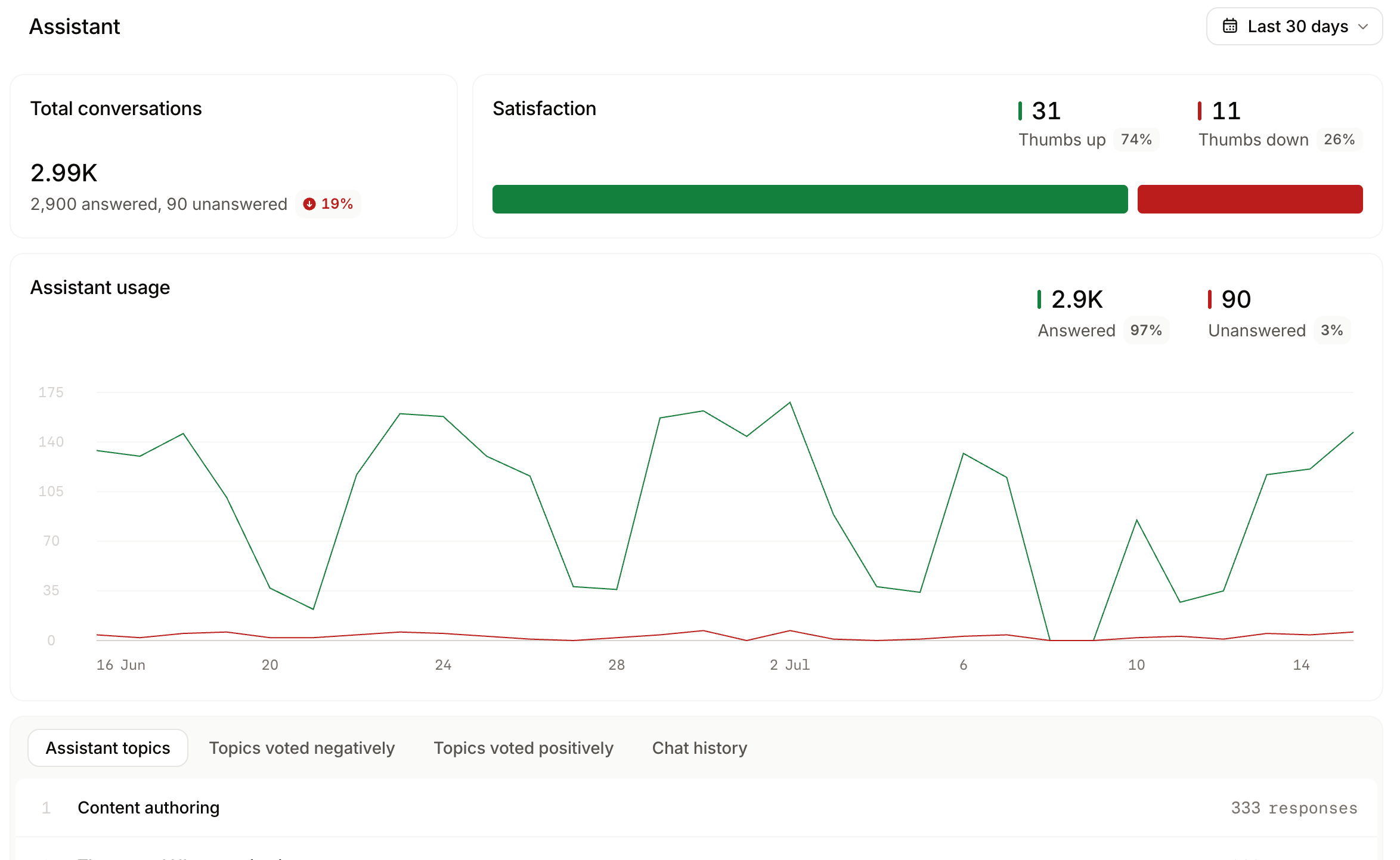
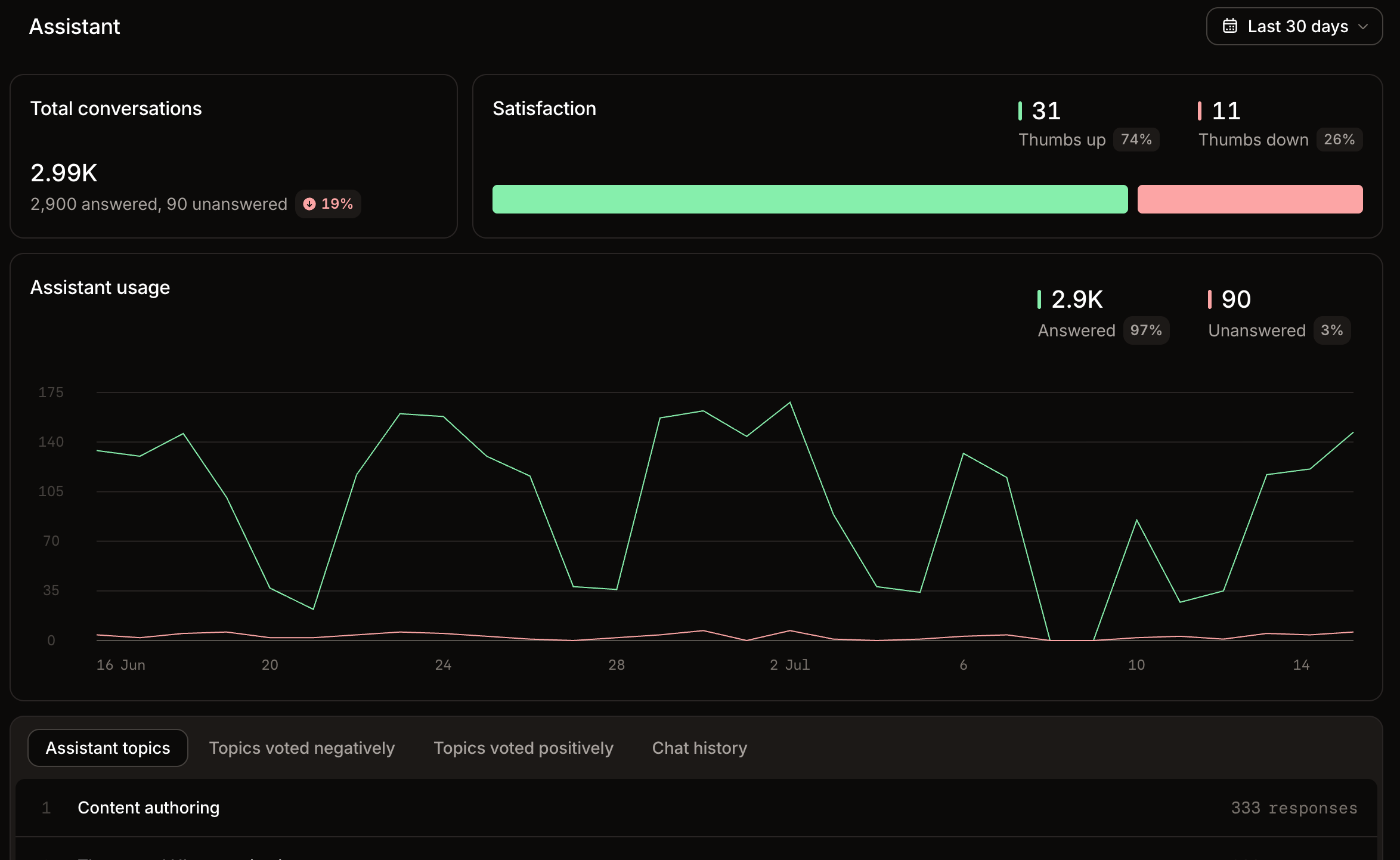
The **Assistant** view of the [analytics](https://app.mintlify.com/analytics) page displays assistant usage over time and chat history.
* **Conversation categories** groups conversations into categories, which are high-level themes related to your product, and topics, which are specific tasks within a category. Select a category to see its topics, then select a topic to open a drawer with satisfaction metrics and every conversation in that topic.
* **All conversations** lists every assistant conversation for the selected time range with a feedback badge on each row. Select a conversation to open the full transcript.
Review assistant analytics to:
* **Monitor assistant usage**: Observe changes in assistant usage to understand how users engage with your content.
* **Identify frequent topics**: Drill into categories and topics to understand what users ask about most. Use these patterns to identify gaps and prioritize content updates.
* **Find where users struggle**: Filter by negative feedback to find conversations users rated poorly and improve the underlying content.
* **Review chat history**: Get detailed high-intent data about how users think about your product. See which terms they use, what they need help with, and which tasks they try to accomplish.